Fiber vs CO2 vs UV laser marking machine selection starts with the material: fiber is for metals, CO2 is for wood and other organics, and UV is for heat-sensitive plastics, glass, ceramics and electronics.
For a factory purchase, the wavelength matters more than the machine's headline wattage. The right choice depends on what the part is made from, how deep the mark must be, how fast parts need to be processed and whether heat can damage the surface.
Fiber vs CO2 vs UV Laser Marking Machine: Start With the Material
Fiber marks metals, CO2 handles organic materials, and UV is used when the material needs a low-heat marking process.
The three laser types work at very different wavelengths, which is why the same setting cannot simply be carried from one material to another.
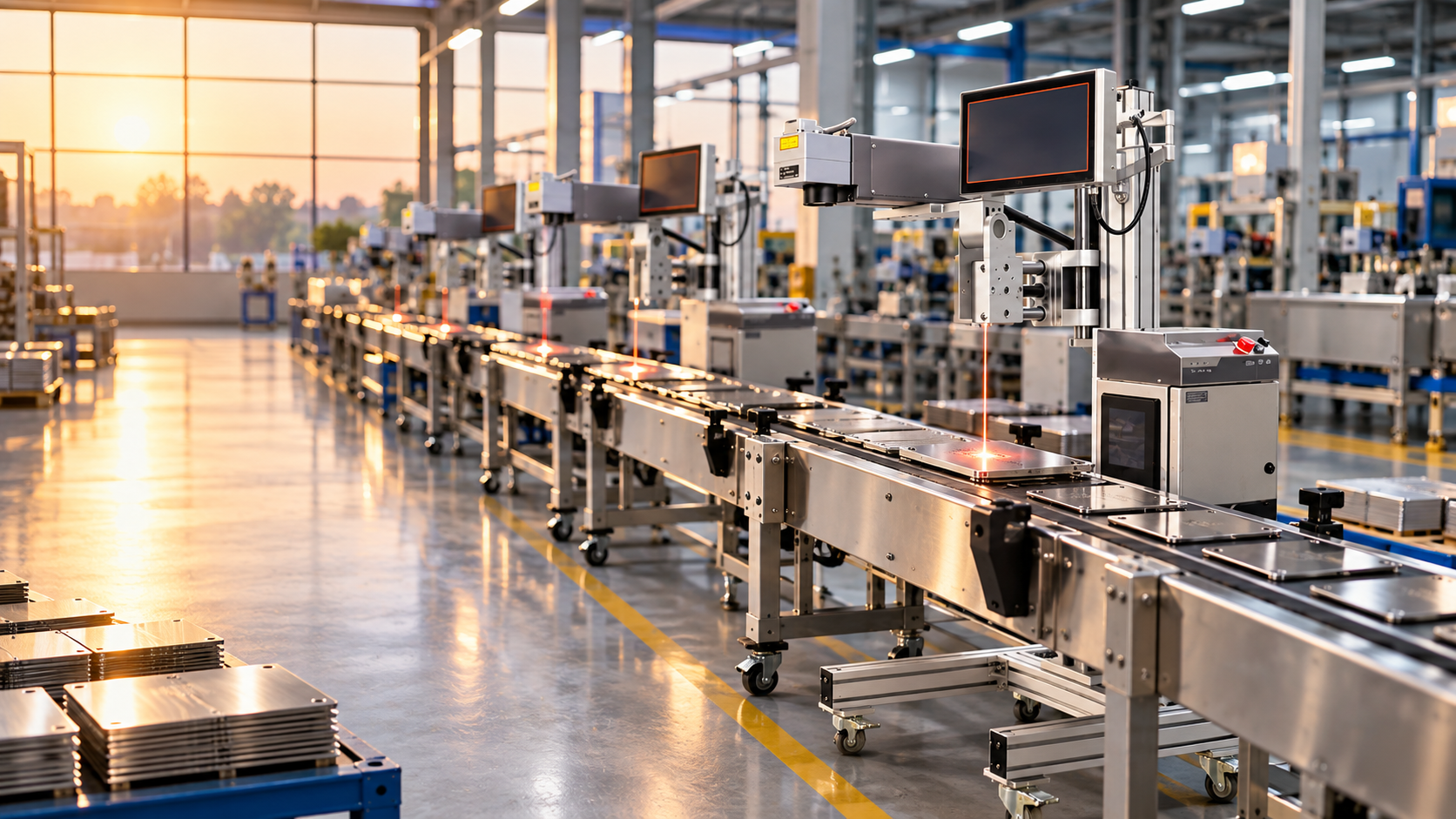
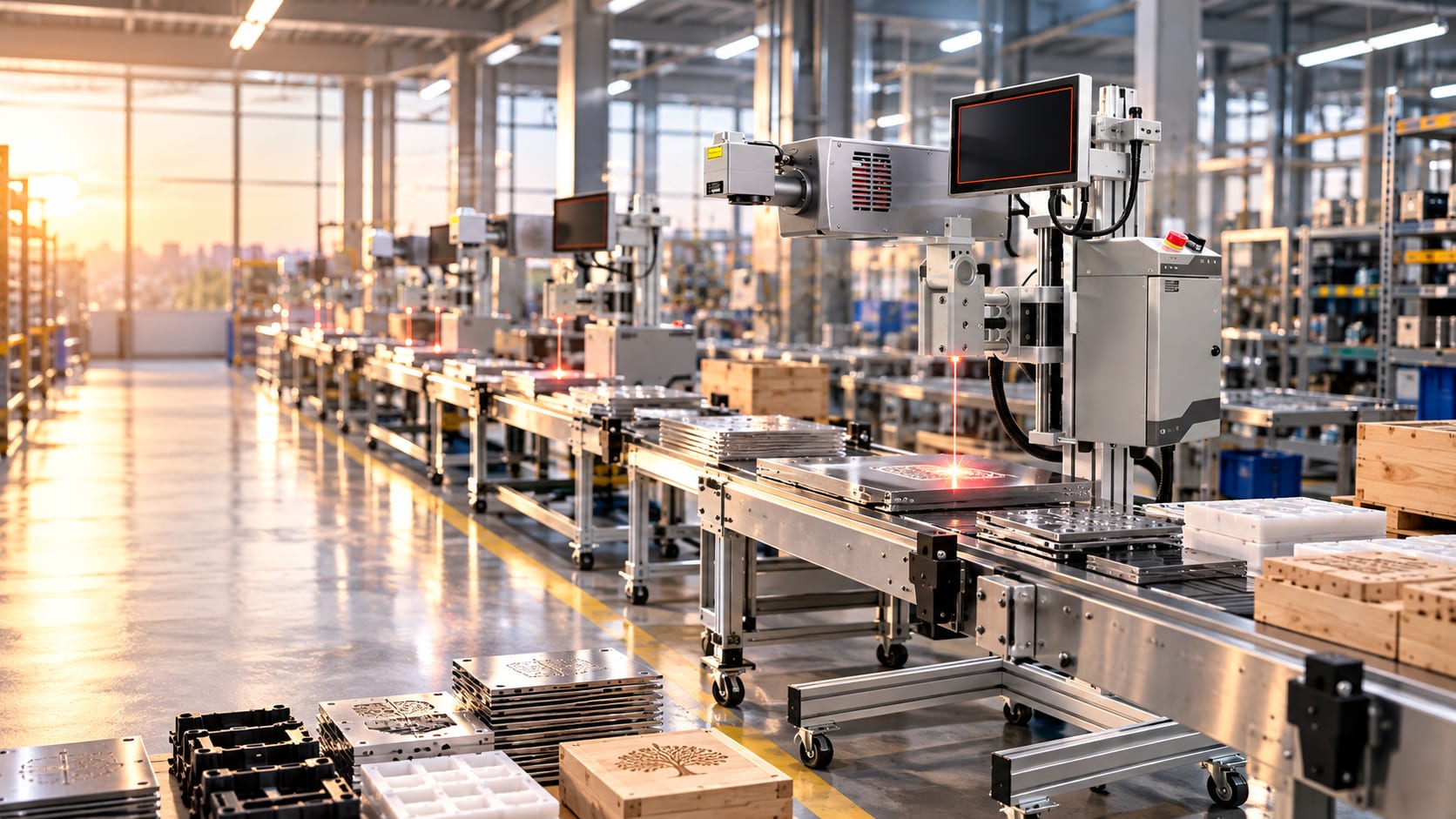
A fiber laser operates at 1064 nm. It is the usual starting point for stainless steel, mild steel, brass and aluminium. A fiber laser marking machine for metal can mark serial numbers, QR codes, 2D barcodes, logos and identification data, and can be configured for deeper engraving when the application requires actual material removal.
CO2 lasers operate at 10.6 microns. They are well suited to wood, leather, acrylic, paper, rubber and many glass applications. A CO2 laser does not directly mark bare metal in the same way a fiber laser does. If metal has to be marked with CO2, a suitable marking paste or coating is required.
UV lasers operate at approximately 355 nm and are commonly described as cold-marking systems. Their marking action is primarily photochemical, so the heat-affected zone can be much smaller than with infrared laser processes. That makes UV useful for ABS and PA plastics, glass, ceramics, PCBs and medical-device components.
There is a price trade-off. UV machines generally cost more than fiber systems, and they are not intended to replace fiber when the job calls for deep metal engraving.
Material Compatibility Comparison
The recommended laser depends on the material first, followed by the required mark, depth and production speed.
| Material | Fiber | CO2 | UV | Recommended |
|---|---|---|---|---|
| Stainless steel | Excellent | Not direct | Surface marking possible | Fiber |
| Mild steel | Excellent | Not direct | Surface marking possible | Fiber |
| Brass | Excellent | Not direct | Surface marking possible | Fiber |
| Aluminium | Excellent | Not direct | Surface marking possible | Fiber |
| Wood | Not suitable | Excellent | Limited | CO2 |
| Leather | Not suitable | Excellent | Limited | CO2 |
| Acrylic | Not suitable | Excellent | Possible | CO2 |
| Paper/cardboard | Not suitable | Excellent | Possible | CO2 |
| Rubber | Limited | Excellent | Limited | CO2 |
| Glass | Limited | Excellent for many applications | Excellent for controlled fine marking | CO2 / UV |
| ABS plastic | Can cause excessive heat depending on grade | Possible | Excellent | UV |
| PA/Nylon | Can cause excessive heat depending on grade | Possible | Excellent | UV |
| PCB/electronics | Generally unsuitable for sensitive surfaces | Generally unsuitable | Excellent | UV |
| Ceramics | Limited | Good for suitable surfaces | Excellent for fine marking | UV |
| Medical-device plastics | Risk of thermal damage | Application-dependent | Excellent | UV |
One point matters here: a material name alone does not guarantee a particular result. Plastic grades can contain different pigments, fillers and flame-retardant additives. Two black ABS components can therefore behave differently under the same laser settings.
That is why production approval should be done on the actual component, with the same surface finish and coating used on the shop floor.
Fiber Laser: When the Job Is Metal
Choose fiber when the production part is mainly stainless steel, mild steel, brass or aluminium and the requirement is permanent identification or engraving.
Fiber systems are common in automotive components, engineering parts, electrical hardware, tools and general industrial traceability work. Serial numbers, batch codes, QR codes, barcodes and logos are straightforward applications. If the customer needs a deeper physical engraving, the process can be adjusted accordingly.
With a fiber laser marking machine for metal, wattage is only one part of the specification. The scanner, lens, focal distance, scan field, material finish, marking speed and required depth all affect the finished mark.
For example, a small desktop machine may be entirely adequate when an operator loads individual components and marks a code. A higher-power system becomes more relevant when hundreds or thousands of parts must be processed regularly, or when deeper engraving is required.
Fiber cooling and operating considerations
Most industrial fiber marking machines use air cooling, which keeps the system compact and reduces cooling-system maintenance.
The material itself can be the bigger limitation.
A 1064 nm fiber laser can generate excessive heat in some plastics. Depending on the polymer and pigment formulation, the result may be melting, bubbling, charring or unwanted colour change. A setting that works cleanly on one plastic grade should not automatically be applied to another.
For metal jobs, test the actual production grade, surface finish and coating. A polished stainless-steel component, for example, can behave differently from a brushed or oxidised surface.
Desktop 20W fiber unit for metal serial numbers and 2D barcodes
High-power 100W fiber machine for high-throughput metal batch marking
CO2 Laser: When the Job Is Organic Material
Choose CO2 when the material is wood, leather, acrylic, paper, rubber or another material that absorbs the 10.6-micron wavelength effectively.
CO2 machines are used for engraving and marking a wide range of non-metallic materials. Wooden panels, leather goods, acrylic components, packaging materials and selected glass applications are typical examples.
A CO2 laser marking machine for wood can create a light surface mark or a deeper engraved result. The final depth depends on power, speed, focus, material density and the number of passes.
Bare metal is the important limitation. A standard CO2 laser does not directly mark stainless steel, mild steel, aluminium or brass like a fiber laser does. A suitable marking compound or coating can be used for some applications, but that adds another preparation step and consumable to the process.
CO2 tube choice matters
Glass-tube and RF metal-tube CO2 systems differ substantially in construction, service life and cost.
Glass tubes are less expensive and are common in entry-level and mid-range equipment. Their service life depends on tube quality, cooling, operating conditions and usage.
RF metal tubes cost more but are designed for longer operating life and controlled high-frequency excitation. For a factory running the machine continuously, tube construction should be considered alongside the purchase price.
There is another shop-floor issue that should not be ignored: fume extraction.
Engraving wood, leather, acrylic, rubber, coatings and other materials produces smoke and fumes. Extraction should be designed for the material and workload. It is not something to add later because the machine has already arrived.
CO2 laser system for organic materials like wood, paper and leather
UV Laser: When Heat Is the Problem
Choose UV when the material is sensitive to thermal damage and the application needs a fine, controlled surface mark.
UV lasers operate around 355 nm. Instead of relying primarily on heat to remove or alter the surface, the process is predominantly photochemical. This can keep the surrounding heat-affected zone much smaller.
That makes UV useful for ABS, PA and other plastics, as well as glass, ceramics, PCBs, electronic components and medical-device parts.
A UV laser marking machine for plastic becomes particularly useful when a conventional infrared laser causes melting, bubbling, deformation or excessive discolouration. Small electronic components are another common case because the available marking area can be limited and the surrounding material may not tolerate much heat.
UV is not the right choice simply because it is newer or more expensive. If the requirement is deep engraving on stainless steel, aluminium or other metals, fiber remains the more relevant technology.
UV cooling: water versus air
UV machines may use water or air cooling depending on the laser source and machine configuration.
Some UV laser sources require water cooling, while compact systems can use air cooling. The correct arrangement depends on the specific source and its operating requirements.
For purchasing, check the manufacturer's specified cooling method, ambient operating range, maintenance procedure and availability of replacement parts. Do not select a cooling system based only on the machine category.
UV cold-marking machine for heat-sensitive electronics components
Fiber vs CO2 vs UV Laser Marking Machine: Decision Logic
Use fiber for metals, CO2 for organics, and UV for heat-sensitive materials.
The first-pass decision is simple:
Metal → Fiber
Stainless steel, mild steel, brass and aluminium normally point toward a 1064 nm fiber system. Serial numbers, QR codes, barcodes, logos and engraving are common applications.
Wood, leather, acrylic, paper or rubber → CO2
The 10.6-micron wavelength is suited to many organic and non-metallic materials. If the production job is mainly engraving these materials, CO2 is the natural starting point.
Heat-sensitive plastic, electronics, ceramics or fine glass marking → UV
When thermal damage is the main concern, UV should be tested. This is particularly relevant for electronics, sensitive plastic grades and small components where deformation or surface damage can make the part unusable.
If your production line handles several material types, do not assume the most expensive laser will automatically cover them all. Different wavelengths solve different material problems.
India Laser Marking Machine Price Guide
Typical Indian price bands are ₹1.3–3.5 lakh for 20–30W fiber, ₹1.5–3.5 lakh for 30W CO2 and ₹2.5–4.5 lakh for 3–10W UV systems.
| Type | Power | India Price Band |
|---|---|---|
| Fiber | 20–30W | ₹1.3–3.5 lakh |
| CO2 | 30W | ₹1.5–3.5 lakh |
| UV | 3–10W | ₹2.5–4.5 lakh |
These are buying-guide ranges, not fixed quotations. The final machine price depends on the laser source, scanner, lens, enclosure, rotary attachment, automation, cooling arrangement, extraction, software, installation and other configuration requirements.
A cheaper machine can also become the more expensive purchase if critical spares are difficult to obtain or service support is slow. For a production machine, downtime has a cost.
Four Common Marking Defects and Their Fixes
The most common marking defects come from incorrect focus, excessive heat, unsuitable parameters or poor material preparation.
1. The mark is too light or inconsistent
The usual causes are incorrect focus, excessive speed, insufficient power or unsuitable frequency settings.
Start with focus. Establish the correct focal position before changing power. Then adjust speed and power in controlled steps.
Also inspect the component surface. Oil, dust, oxidation and coatings can change how the laser is absorbed. Cleaning the part before testing can eliminate what looks like a laser problem.
2. Plastic is melting or bubbling
Melting or bubbling usually means that too much thermal energy is reaching the plastic surface.
Reduce the thermal load by adjusting power, speed, pulse settings and frequency. If the material continues to deform, test a UV process.
For production approval, use the actual polymer grade, colour and additive formulation. A sample labelled simply "plastic" is not enough for a reliable machine trial.
3. CO2 marking produces excessive smoke
Excessive smoke usually indicates material burning combined with inadequate extraction or overly aggressive process settings.
First check focus, speed and power. The goal is a controlled mark, not maximum burning.
Then check the extraction system. Ducting, airflow and extraction capacity must suit the material being processed. Smoke should not be treated as an unavoidable part of normal operation.
4. Barcode or QR code is unreadable
Unreadable codes usually result from poor contrast, incorrect focus, excessive heat, unsuitable cell dimensions or inconsistent positioning.
Focus the laser correctly and tune the marking parameters before increasing power.
For reflective metals, the marking strategy may need to change rather than simply increasing laser power. Most importantly, verify the finished code with the same type of scanner used on the production line.
How Should an Indian Buyer Select a Laser?
An Indian buyer should test the actual production material and verify service support, spare availability and warranty terms before placing the order.
Ask the vendor for a live demo on your material.
Do not send only a generic sample of "stainless steel" or "ABS". Send the actual production component, including its coating, colour, surface finish and geometry wherever possible.
Check the following during the trial:
- Mark contrast and permanence - Required marking depth - Cycle time per component - Barcode or QR readability - Surface damage and heat effects - Focus tolerance - Fixture and loading requirements - Extraction requirements - Software and code-generation workflow
Then move to the commercial checks.
Ask about the vendor's service network, critical spares, breakdown response time and exact warranty terms in writing. Find out what happens if the laser source, scanner or control electronics fail after installation.
For a factory, uptime is part of the machine cost.
Laser Marking Machines for Different Materials
New Vision Machines supplies laser marking systems selected around the material, marking requirement and production application.
See the full range of laser marking machines for every material type before finalising the laser source.
The practical buying sequence is straightforward:
Material → marking requirement → production speed → machine configuration → price.
Starting with price and trying to fit the material afterward often leads to compromises that show up only after installation.
FAQs
Which laser is best for stainless steel marking?
A fiber laser is generally the appropriate choice for stainless steel marking. Its 1064 nm wavelength is well suited to metal surfaces and can produce serial numbers, barcodes, logos, traceability codes and engraved marks. Required wattage depends on marking speed, depth, part size and production volume rather than the metal type alone.
Can a CO2 laser mark metal directly?
A standard CO2 laser cannot directly mark bare metal in the same way a fiber laser does. CO2 operates at 10.6 microns and is better absorbed by many organic materials. Certain metals can be marked using suitable marking paste or coating, but this adds material preparation and a consumable to the process.
Is UV laser better for plastic than fiber?
UV can be better for heat-sensitive plastic because it introduces less thermal damage during marking. Fiber lasers can mark some plastics successfully, but results depend heavily on the polymer, pigment and additives. If fiber causes melting, bubbling or deformation, UV should be tested on the exact production material.
What is the difference between fiber and CO2 laser marking?
Fiber lasers use approximately 1064 nm and are primarily suited to metals, while CO2 lasers operate around 10.6 microns and are suited to many organic and non-metallic materials. Fiber is commonly used for metal traceability and engraving; CO2 is commonly used for wood, leather, acrylic, paper and rubber.
How much does a laser marking machine cost in India?
Typical price bands are ₹1.3–3.5 lakh for 20–30W fiber, ₹1.5–3.5 lakh for 30W CO2 and ₹2.5–4.5 lakh for 3–10W UV systems. Actual quotations vary with the laser source, scanner, lens, enclosure, cooling, automation, rotary attachments, installation and other machine requirements.
Should I test my material before buying a laser?
Yes. A live marking test on the actual production material should be part of the purchase process. Material formulation, surface finish, coatings, pigments and additives can change laser behaviour significantly. Ask the vendor to demonstrate the required mark, depth, contrast, cycle time and barcode readability using your own component.
Final Buying Check
Match the laser wavelength to the material before comparing machine prices.
- Metal → Fiber - Wood, leather, acrylic, paper and rubber → CO2 - Heat-sensitive plastics, electronics, ceramics and fine applications → UV
Then verify the choice with a real production sample.
A short material trial can tell a factory buyer more than a specification sheet full of wattage figures.
Send your material sample to New Vision Machines for a free demo marking. Call +91-9981604279.
New Vision Machines Lasudia Mori, Indore, Madhya Pradesh 452010 +91-9981604279